



1. Introduction — What is happening?
Start with a simple explanation:
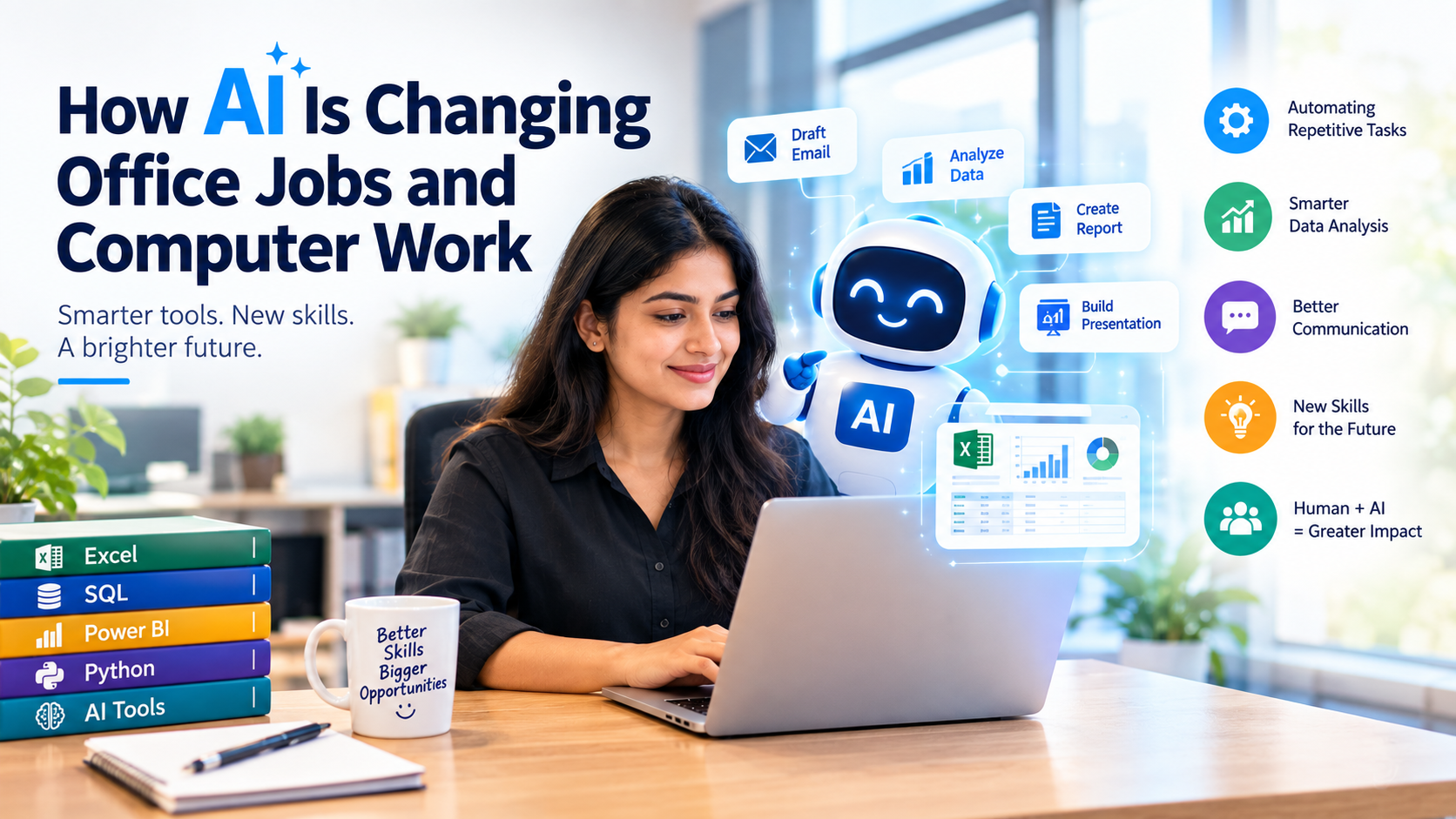
Artificial Intelligence is becoming a part of everyday office work. From writing emails and creating reports to analyzing data and preparing presentations, AI tools are helping employees complete many tasks faster. Instead of looking at AI only as a technology that replaces jobs, it is important to understand how it is changing the tasks people perform and the skills they need.
2. AI Is Automating Repetitive Computer Work
Explain common examples:
- Creating and formatting documents
- Writing emails
- Summarizing long documents
- Entering and organizing information
- Creating reports
- Converting data into summaries
- Generating presentations
- Scheduling and organizing tasks
Give a practical example:
Before AI: An employee may spend hours preparing a monthly sales report.
With AI: The employee can use AI to help clean data, identify trends, summarize results, and prepare a first version of the report.
The employee still needs to check the data and make decisions.
3. How AI Is Changing Excel and Data Analysis
This section would fit your audience particularly well.
Discuss how AI can help with:
- Writing Excel formulas
- Explaining complicated formulas
- Cleaning datasets
- Finding trends and patterns
- Creating summaries
- Generating charts
- Preparing reports
- Helping users understand data
You can introduce the idea:
Excel + AI = Faster Data Analysis
But emphasize that understanding Excel fundamentals is still important because users need to know whether the AI-generated result is correct.
4. AI and Office Communication
Explain how employees can use AI for:
- Email drafting
- Professional replies
- Meeting summaries
- Grammar correction
- Translating text
- Creating proposals
- Writing reports
- Creating social media content
Example:
Traditional approach:
Write an email → check grammar → rewrite → format → send.
AI-assisted approach:
Give AI the key points → generate a draft → review → personalize → send.
5. AI Is Changing the Role of Employees
This is an important section.
Instead of saying:
“AI will take everyone’s jobs.”
You can explain:
“Many jobs are changing because AI can take over certain repetitive tasks.”
For example:
| Traditional Work | AI-Assisted Work |
|---|---|
| Manually create reports | AI-assisted report generation |
| Search for information | AI-assisted research |
| Write every email from scratch | AI-assisted email drafting |
| Manually analyze large datasets | AI-assisted data analysis |
| Create presentations manually | AI-assisted presentation creation |
| Repetitive data processing | Automated workflows |
6. Skills Employees Will Need in the AI Era
This can become one of the strongest sections of your article.
Talk about:
1. AI Literacy
Know how to use AI tools effectively.
2. Excel & Data Skills
AI can analyze data, but people still need to understand data.
3. SQL
Useful for working with databases and extracting information.
4. Power BI
Important for turning data into dashboards and business insights.
5. Critical Thinking
AI-generated information must be checked before being used.
6. Communication Skills
Employees still need to explain findings and communicate with teams.
7. Problem-Solving
AI can provide suggestions, but humans need to identify the actual business problem.
7. AI Won’t Remove the Need for Human Skills
This section gives your article balance.
Explain that AI is good at processing information and generating outputs, but humans are still needed for:
- Decision-making
- Creativity
- Leadership
- Understanding business requirements
- Communication
- Judgment
- Building relationships
- Checking accuracy
A good line for the article:
The future of office work may not be humans versus AI, but humans working with AI.
8. How Students and Professionals Can Prepare
Give readers practical advice:
Start with:
Computer Basics → Excel → AI Tools → SQL → Power BI → Python/Data Analytics
They don’t necessarily need to learn everything at once. They can choose skills according to their career goals.
For example:
Office Professional:
Excel + AI + PowerPoint + Communication
Data Analyst:
Excel + SQL + Power BI + Python + AI
Business Professional:
Excel + Power BI + AI + Data Analysis
9. Conclusion
Finish with a positive but realistic message:
AI is changing office work, but technology itself is only part of the transformation. The professionals who understand how to combine AI with computer skills, data analysis, communication, and problem-solving will be better prepared for an evolving workplace. Learning AI does not mean abandoning traditional computer skills. Instead, it means learning how to use those skills more efficiently.